

Passwords matter more than ever. Data breaches, phishing scams, and brute-force attacks are a daily reality — yet countless people still rely on weak, recycled credentials. That’s a problem a good password manager solves elegantly: you remember one strong master password, and the tool handles everything else.
This article focuses specifically on European password managers — tools developed or operated in Europe. That distinction matters if you care about privacy, data sovereignty, and compliance with regulations like GDPR. Whether you’re an individual user or part of a team, there’s a European option that fits your needs.
What Makes a Password Manager Worth Using?
Not all password managers are created equal. Before diving into the tools themselves, here’s what separates a solid option from a mediocre one:
- Zero-knowledge encryption: Your passwords are encrypted on your device before they ever reach the server. Not even the provider can read them.
- Autofill and cross-device sync: The tool should work seamlessly across all your devices and browsers without friction.
- Password generator: Creates long, random, unique passwords for every account automatically.
- Broad platform support: iOS, Android, Windows, macOS, Linux, and browser extensions — ideally all covered.
- Advanced security features: Two-factor authentication (2FA), passkey support, data breach alerts, and phishing protection all add meaningful layers of defense.
The Best European Password Managers, Compared
1. Proton Pass — Best All-Round Choice for Privacy
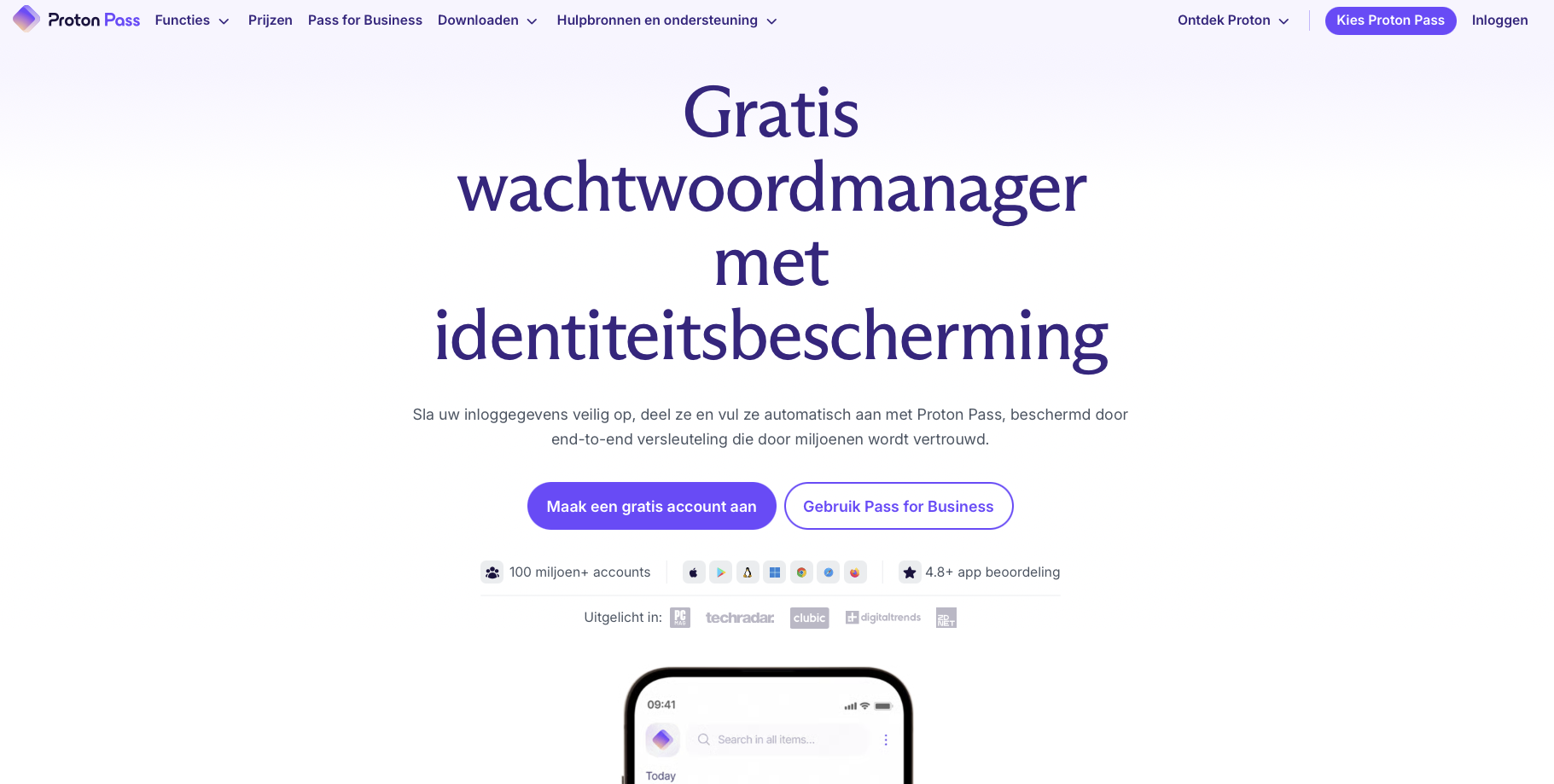
Proton Pass comes from Swiss-based Proton — the company behind Proton Mail and ProtonVPN. It’s fully open-source and runs on virtually every platform: iOS, Android, Windows, macOS, Linux, and all major browsers via extensions. Beyond the basics like autofill and password generation, it also supports passkeys and email aliases. If you’re already invested in the Proton ecosystem, this is the natural next step. For anyone prioritizing privacy above all else, it’s hard to beat. Visit Proton Pass >
Proton Pass pairs well with Proton’s broader suite of privacy tools — check out our Proton for Business review if you’re considering it for professional use.
2. NordPass — Best Choice for Ease of Use
Developed by Lithuanian company Nord Security, NordPass stands out for its clean interface and smooth onboarding experience. If you want a password manager that just works without digging through settings, this is it. Apps are available on all major platforms, and browser extensions cover the most popular options. There are also plans suited for families and small teams. If simplicity and wide compatibility are your priorities, NordPass is your best bet. Visit NordPass >
3. pCloud Pass — A Straightforward European Password Vault
pCloud is a Swiss cloud storage service — a popular European alternative to Google Drive — and it also offers its own password manager. pCloud Pass is a no-frills solution with autofill, a password generator, and a clean, easy-to-navigate vault. If you’re already using pCloud for file storage, consolidating your digital life with one European provider makes a lot of sense. It won’t dazzle you with advanced features, but it does exactly what it promises. Visit pCloud Pass >
4. heylogin — Sign In Without a Master Password
heylogin takes a fundamentally different approach. Instead of typing a master password, you confirm login attempts through your smartphone or a physical security key. This makes everyday use both more convenient and more secure — no password to forget, no password to steal. It’s a genuinely innovative option for anyone who’s tired of juggling credentials and wants to raise their security game at the same time. Works well for both personal and professional use. Visit heylogin >
5. Sticky Password — Reliable and Battle-Tested
Sticky Password has been around for years, and that longevity speaks for itself. It covers all the fundamentals — storing, generating, autofilling, and syncing passwords across devices and browsers. There’s nothing flashy here, and that’s precisely the point. For users who want a dependable, widely supported tool without any learning curve, Sticky Password delivers consistently. Visit Sticky Password >
6. F-Secure ID Protection — Password Manager Plus Identity Monitoring

Finland-based F-Secure goes beyond password management by combining a secure vault with active data breach monitoring and identity theft alerts. Depending on your subscription tier, you’ll receive notifications whenever your personal information surfaces in a known breach. That makes it more of a comprehensive security suite than a pure password manager. If you want a single tool that tackles multiple layers of digital protection, F-Secure ID Protection is worth a serious look. Visit F-Secure ID Protection >
7. Passbolt — Best for Teams and Self-Hosting
Passbolt was built specifically for collaborative environments. It makes sharing passwords and login credentials within a team both secure and organized. The platform is open-source and supports self-hosting, which is a major draw for organizations with strict security requirements or IT teams that want full control over their infrastructure. It’s not designed as a consumer app, but for professional and team use, it’s excellent. Visit Passbolt >
Which Password Manager Is Right for You?
The best choice depends entirely on your situation. Here’s a quick breakdown to help you decide:
- Privacy is your top priority and you need it everywhere: go with Proton Pass.
- You want something simple that just works: NordPass is the most accessible option.
- You need a clean European vault without the extras: pCloud Pass fits the bill.
- You’d rather not type a master password at all: heylogin offers the most innovative approach.
- You’re managing a team or want to self-host: Passbolt is the clear winner.
- You want password management combined with breach monitoring: F-Secure ID Protection delivers a complete package.
Open-Source Options: Extra Transparency
If you prefer software where the source code is publicly available and independently auditable, there are solid options — though some require a bit more technical know-how:
- Proton Pass — open-source and user-friendly, a rare and valuable combination.
- Passbolt (Community Edition) — open-source, excellent for teams and self-hosting.
- KeePass / KeePassXC — powerful and fully open-source, though you’ll manage sync yourself via a local file.
- Bitwarden — a widely respected open-source option with extensive features (note: not European in origin, but the code is fully transparent).
Practical Tips for Better Password Habits
- Use a unique password for every account — let your password manager generate them automatically.
- Enable two-factor authentication (2FA) wherever possible, or switch to passkeys when available.
- Choose a long, strong master password — or a passphrase — and add biometric unlocking as an extra layer.
- Periodically review your vault for weak or duplicate passwords and replace them with stronger alternatives.
Start Today — Any Manager Is Better Than None
There’s no single universally “best” password manager. The right choice comes down to your devices, your privacy preferences, and whether you need features like team vaults or self-hosting. For most people who want a strong, privacy-respecting tool that works across every platform, Proton Pass is the most logical starting point. If maximum simplicity is the goal, NordPass is the way to go. And for teams or organizations that want full control, Passbolt stands out as the top choice.
The most important thing? Pick one and actually use it. Commit to unique, strong passwords for all your accounts — starting right now. Your future self will thank you.