
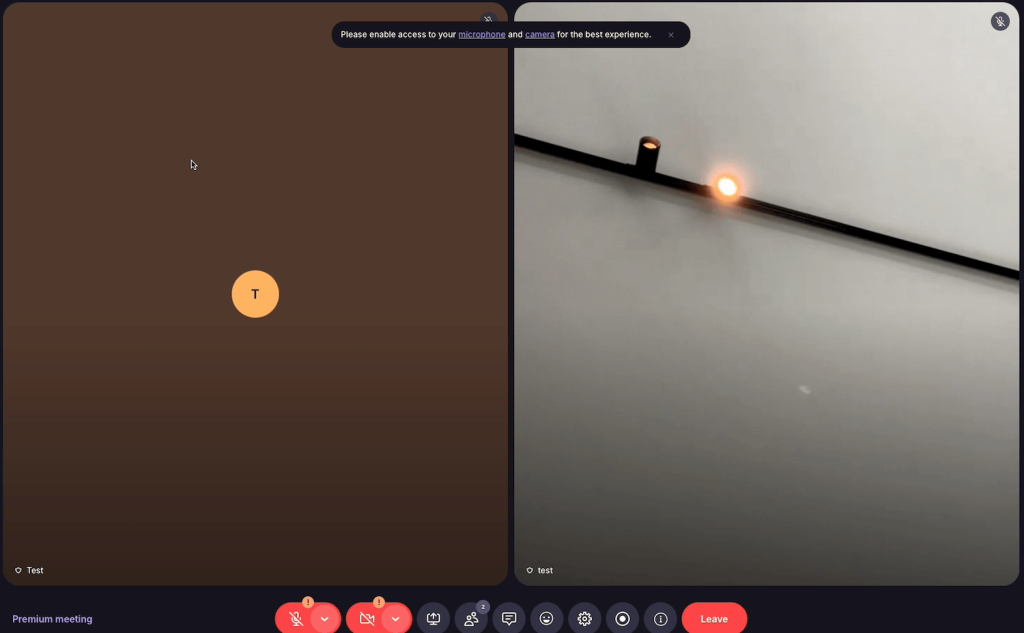
Swiss privacy company Proton has added another tool to its growing ecosystem: Proton Meet, a fully end-to-end encrypted video conferencing platform. With this launch, Proton is staking a serious claim as a privacy-first alternative to the likes of Google Meet, Microsoft Teams, and Zoom. We put the service through its paces and here’s what we found.
Who Is Proton Meet Built For?
At its core, Proton Meet is designed for anyone who takes privacy seriously during video calls. That could mean journalists protecting sources, lawyers discussing sensitive cases, healthcare professionals handling confidential information — or simply people who’d rather not have a tech giant sitting in on their conversations.
What sets it apart from mainstream competitors is the nature of its encryption. Platforms like Zoom and Google Meet do encrypt traffic in transit, but the platform itself can still access your calls. Proton Meet uses genuine end-to-end encryption based on the Messaging Layer Security (MLS) protocol, meaning audio, video, screen shares, and chat messages are only readable by the actual participants. Not even Proton can see what’s being discussed. If you’re already using other Proton services or looking for a European alternative to Microsoft Teams, Proton Meet deserves a serious look.
A Clean, Focused Interface
The first thing you notice when you open Proton Meet is its polished, dark-themed design. Everything feels intentional — there are no cluttered menus, no ad banners, and no aggressive upsell prompts nudging you to upgrade. The home screen gives you a clear overview of scheduled meetings and rooms, along with a straightforward button to create something new. That button offers three paths: start a meeting immediately, schedule one for later, or set up a permanent room.
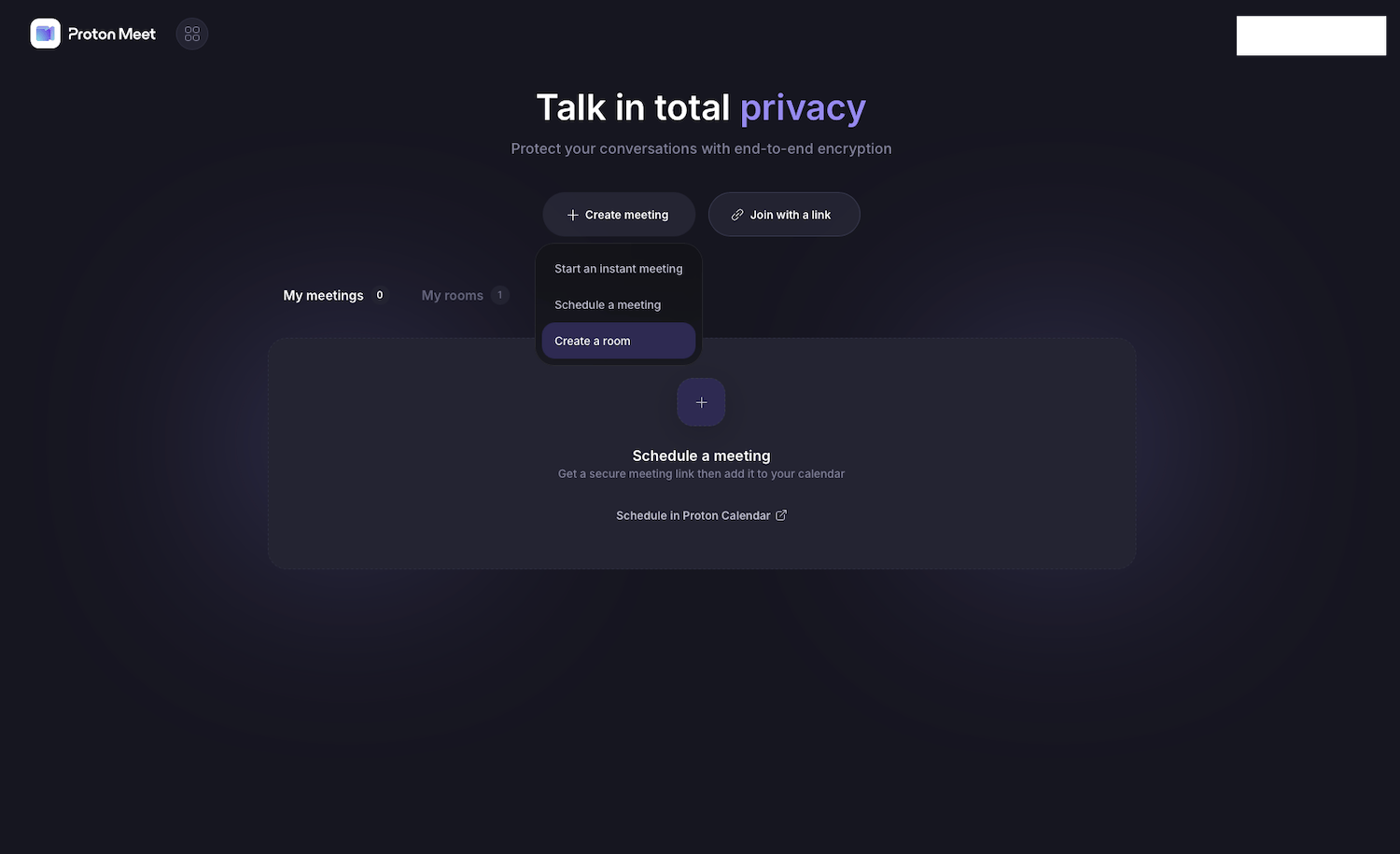
The overall aesthetic is refined and purposeful — exactly what you’d expect from a company that builds privacy into every layer of its products.
Joining a Call Is Effortless
Getting into a meeting takes only seconds. You click “Join with a link,” paste the Proton Meet URL, and you’re in. The link format looks like this: https://meet.proton.me/join/id-abc#pwd-123. Notice that the password sits after the hash symbol — this is a deliberate security decision. Because the fragment after the hash is never sent to the server, Proton’s infrastructure never sees the password, ensuring encryption is maintained right from the point of entry.
The Pre-Meeting Lobby
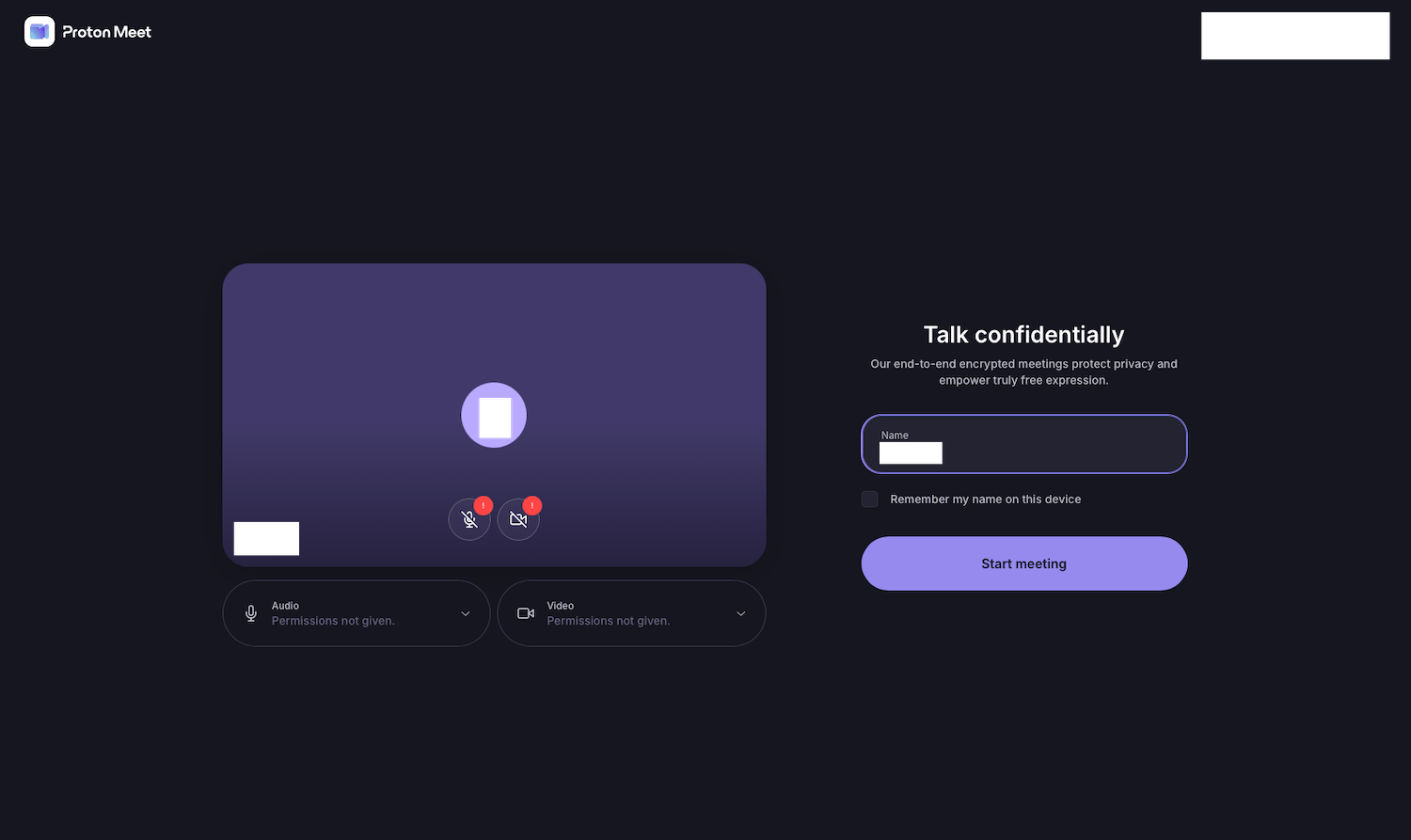
Before jumping into a call, you’re taken to a lobby screen where you can set your display name, check your camera and microphone, and choose whether the device should remember your name for future sessions. The lobby also makes the platform’s privacy promise front and center — this isn’t just marketing language. The MLS-based end-to-end encryption is genuinely implemented and operational, not a checkbox claim.
Scheduling Meetings with Proton Calendar
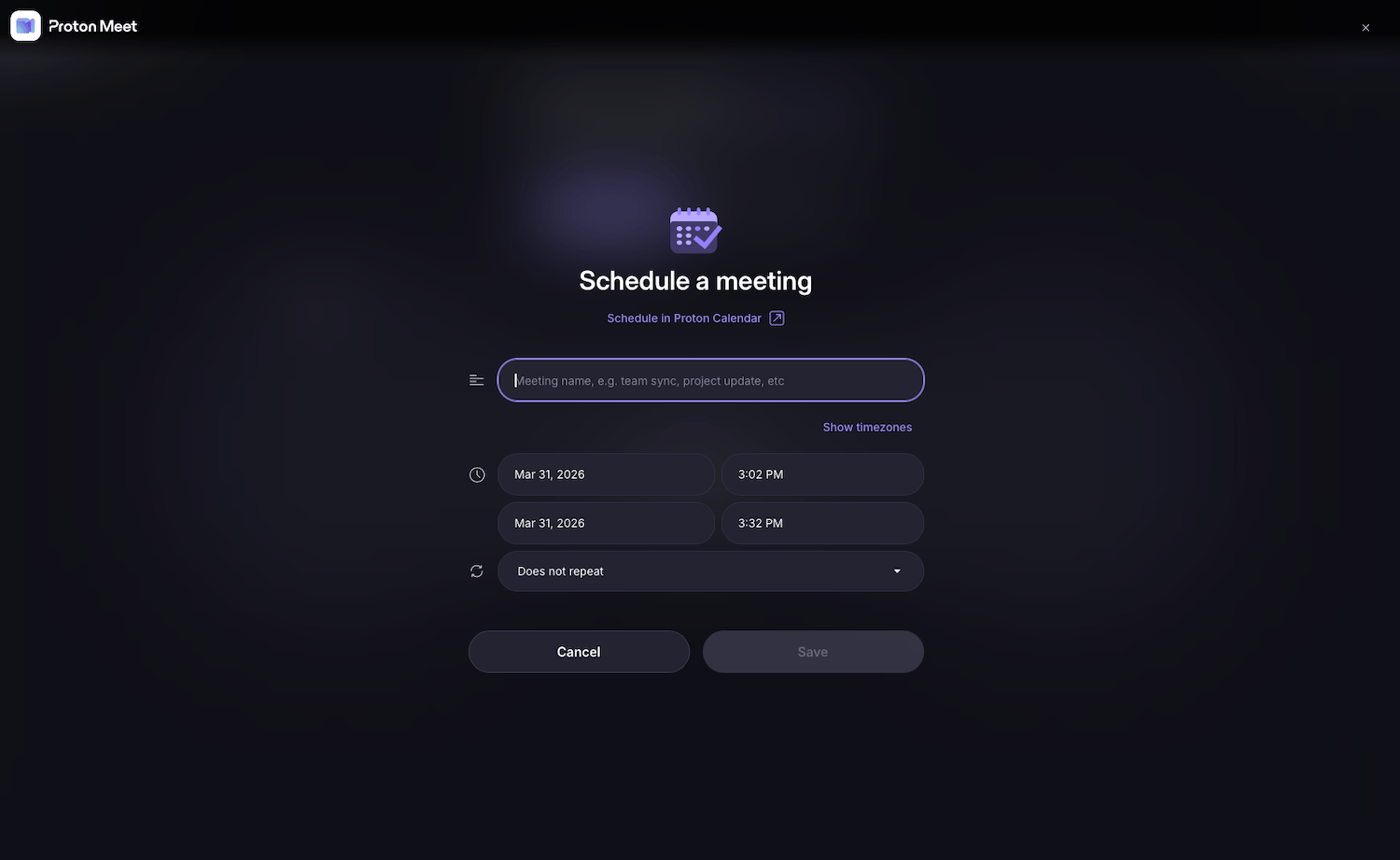
Proton Meet integrates seamlessly with Proton Calendar. Scheduling a meeting is as simple as giving it a title, setting start and end times, adding a recurrence if needed, and saving. The encrypted meeting link is automatically embedded in the calendar event — no copying and pasting required. For anyone already working within the Proton ecosystem, this feels like a natural extension of an already cohesive workflow. If you’re curious about how Proton’s other services stack up, our Proton for Business review covers the broader suite in detail.
Permanent Rooms for Recurring Team Conversations
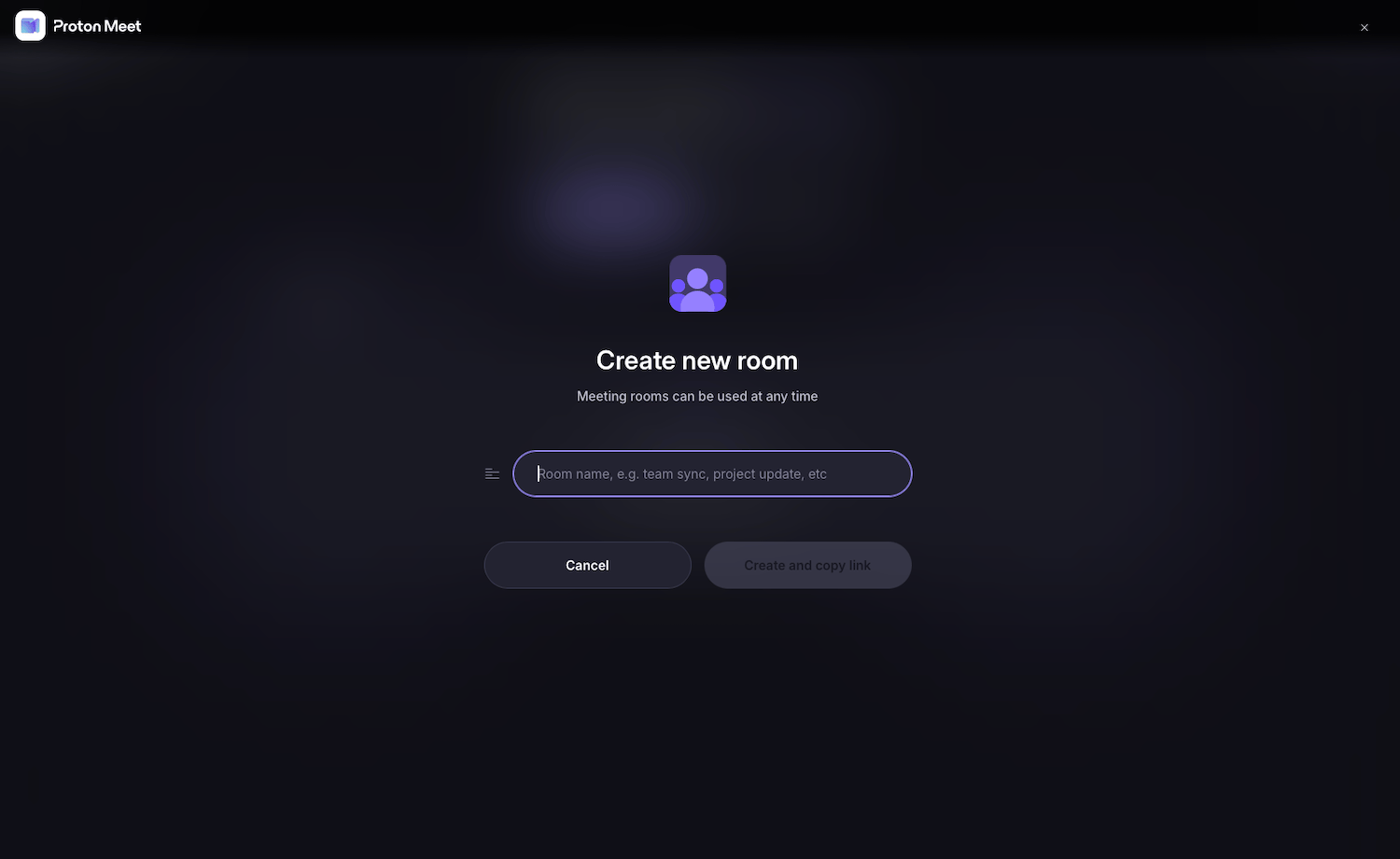
One of the standout features is the ability to create permanent meeting rooms. You give the room a recognizable name — something like “team-standup” or “project-alpha” — copy the link once, and share it with your colleagues. The room stays live indefinitely, so there’s no need to schedule a new meeting every time you need a quick check-in. For teams that collaborate regularly, this is a genuinely useful time-saver.
How Does It Feel During an Actual Call?
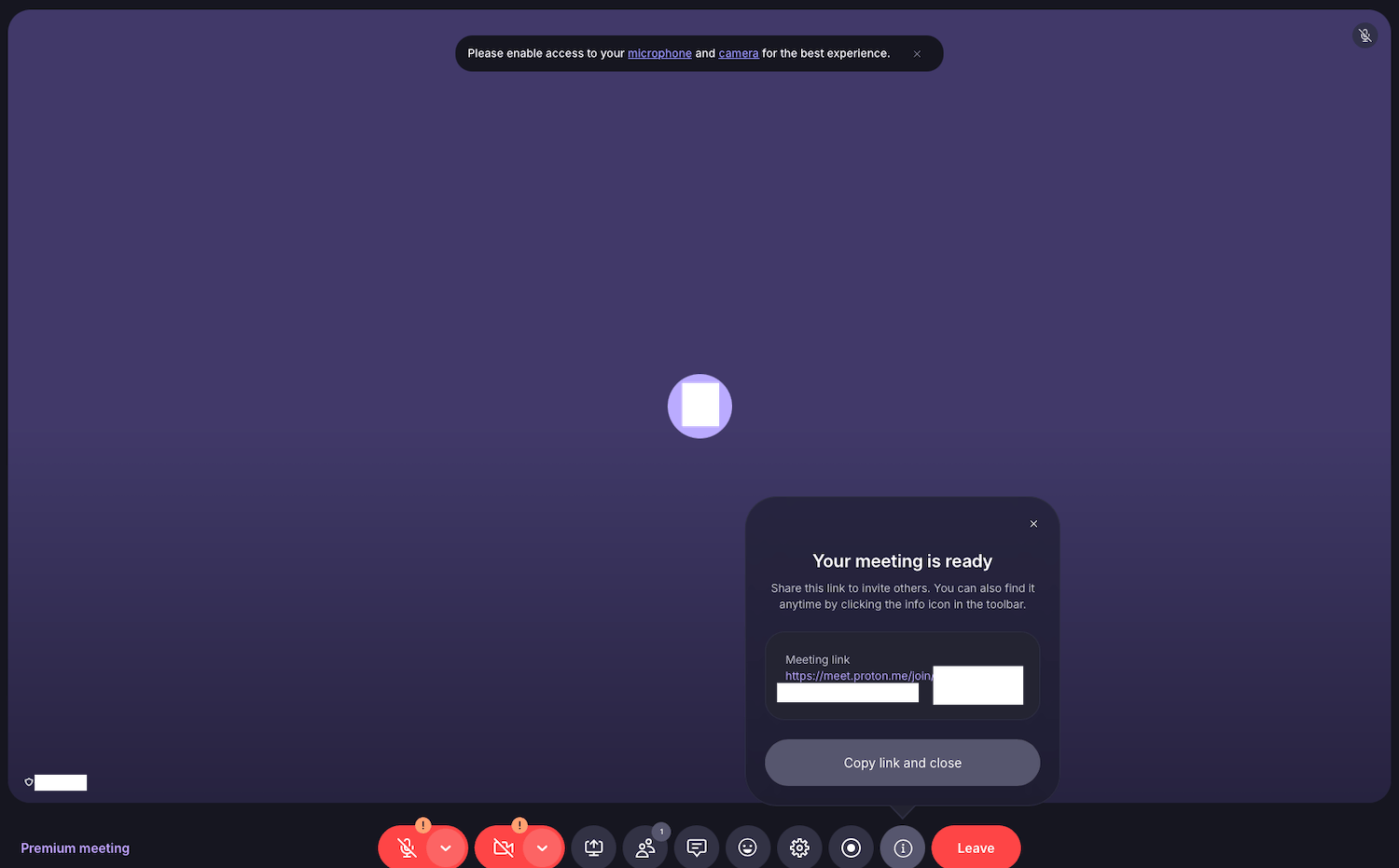
Once you’re in a meeting, the experience is smooth and distraction-free. Video quality holds up well, and the interface stays out of your way. The toolbar along the bottom gives you quick access to everything you need: microphone and camera controls, screen sharing, a participant list, in-call chat, emoji reactions, settings, recording options, meeting info, and a button to leave. The info icon is particularly handy — it lets you pull up the meeting link mid-call if you want to invite someone on the fly.
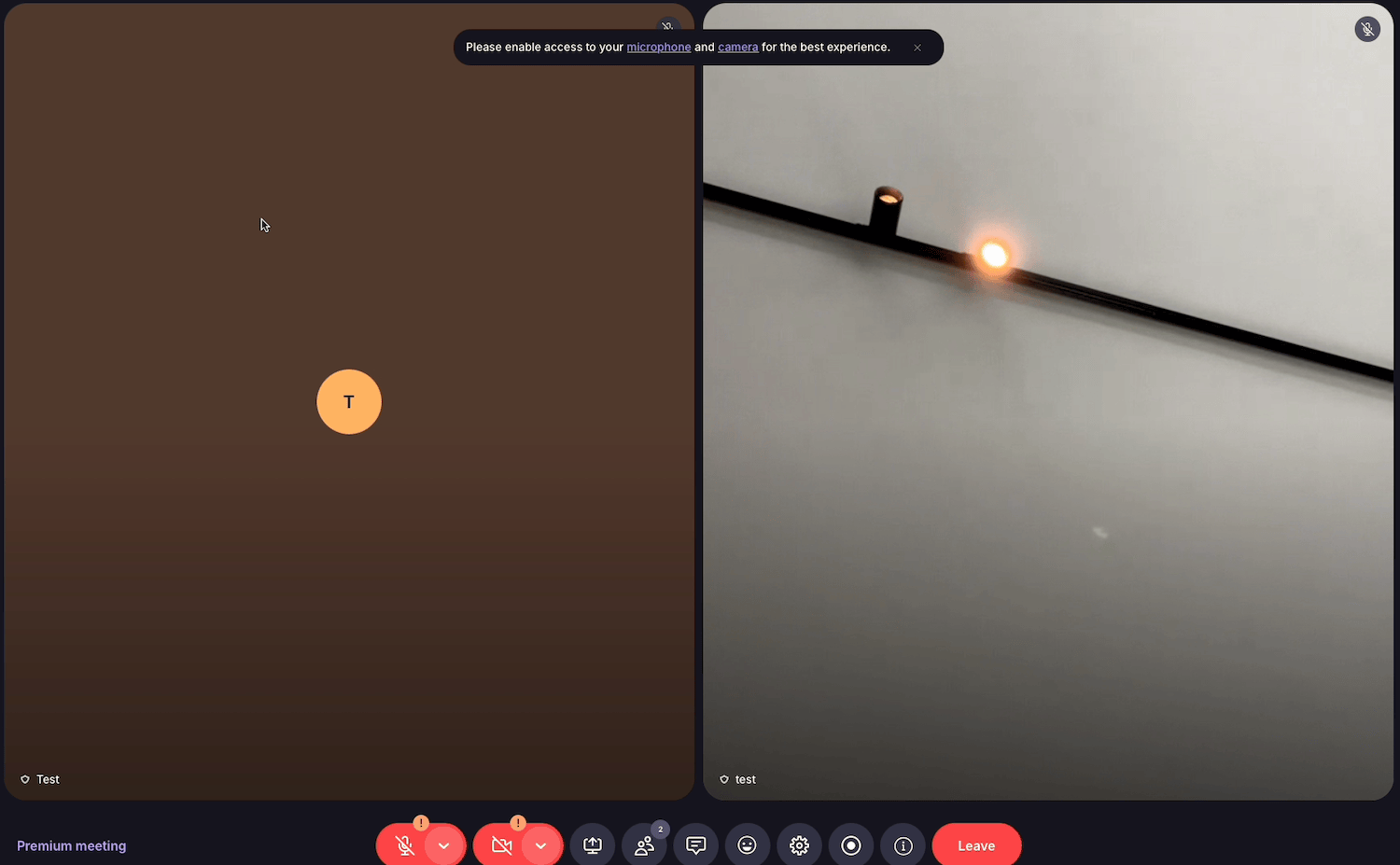
When more than one participant is present, the layout adjusts automatically to a side-by-side view. In our two-person test, the connection was stable throughout, and performance was genuinely impressive — especially considering that all communication is being end-to-end encrypted in real time.
Plans and Pricing
Proton Meet is available to all Proton subscribers. It’s included in Proton Unlimited, the all-in-one subscription that also covers Proton Mail, Proton Drive, Proton VPN, Proton Pass, and Proton Calendar. For organizations, Proton Meet is part of the Proton Business Suite, which bundles all Proton apps into a single privacy-focused package for teams and companies.
The Bottom Line
Proton Meet delivers on its promises. The interface is clean and well thought-out, performance is solid even with encryption running across every layer, and the end-to-end encryption via MLS is a real technical implementation — not a marketing talking point. If you’re already in the Proton ecosystem, adding Meet to your daily workflow is a no-brainer. And if you’re still relying on Zoom or Google Meet but care about where your data goes, Proton Meet is currently the most credible privacy-respecting alternative on the market.
Ready to try it yourself? Get started with Proton Unlimited for access to Proton Meet and the full suite of privacy tools, or explore the Proton Business Suite if you want to roll out a complete privacy stack for your entire team.